DOWNLOAD THE APP

Your bike's health, always in your pocket

Get CrankPal and start tracking how much life your components have left. Registering your first bike takes a couple of minutes.

Download on the App Store Get it on Google Play
Scan the QR code and download the app on your smartphone
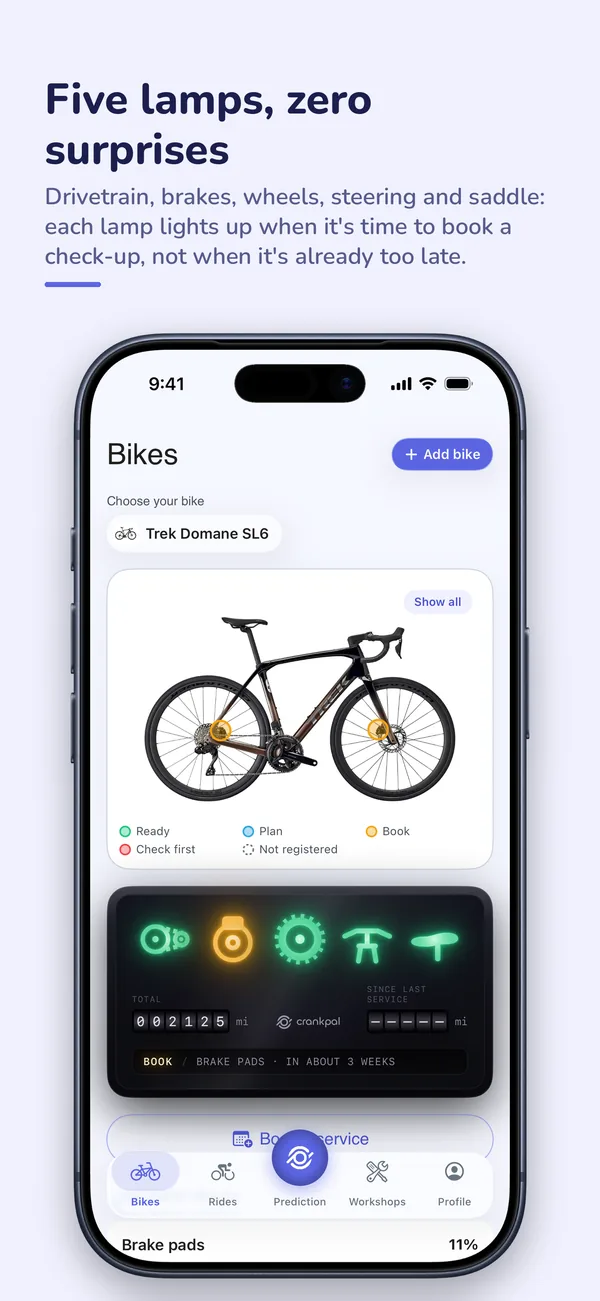
  • The bike dashboard in the app: five lamps for drivetrain, brakes, wheels, steering and saddle, with the health of each component.
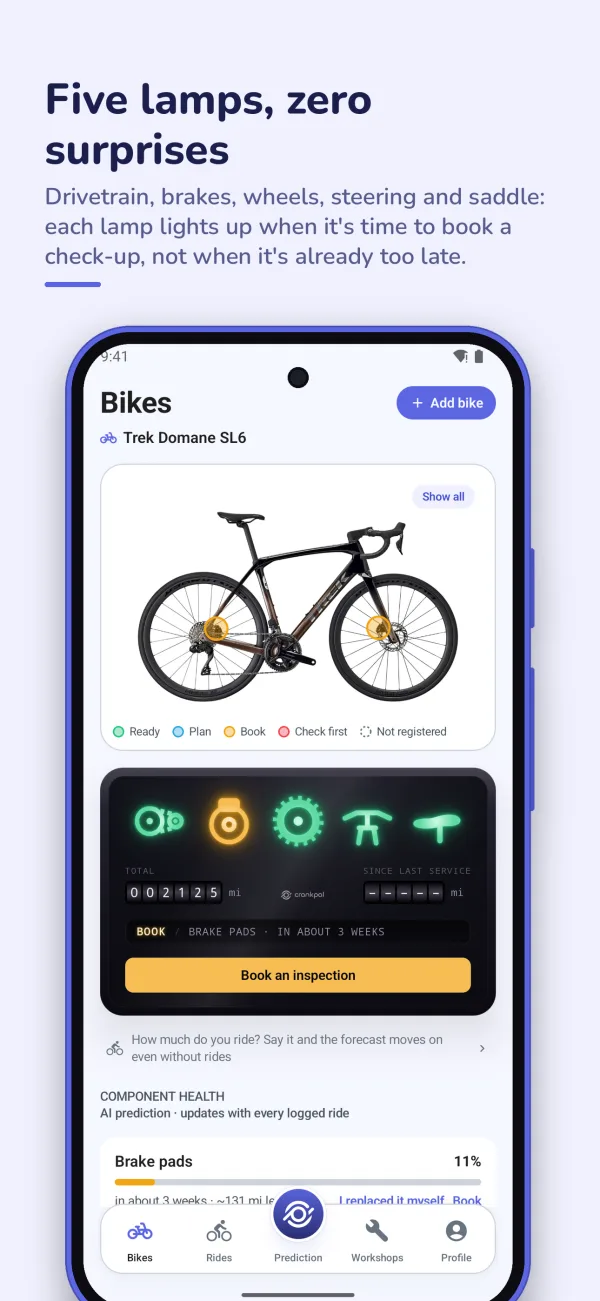
  • The bike dashboard in the Android app: the bike photo with the state of its components and the five lamps.
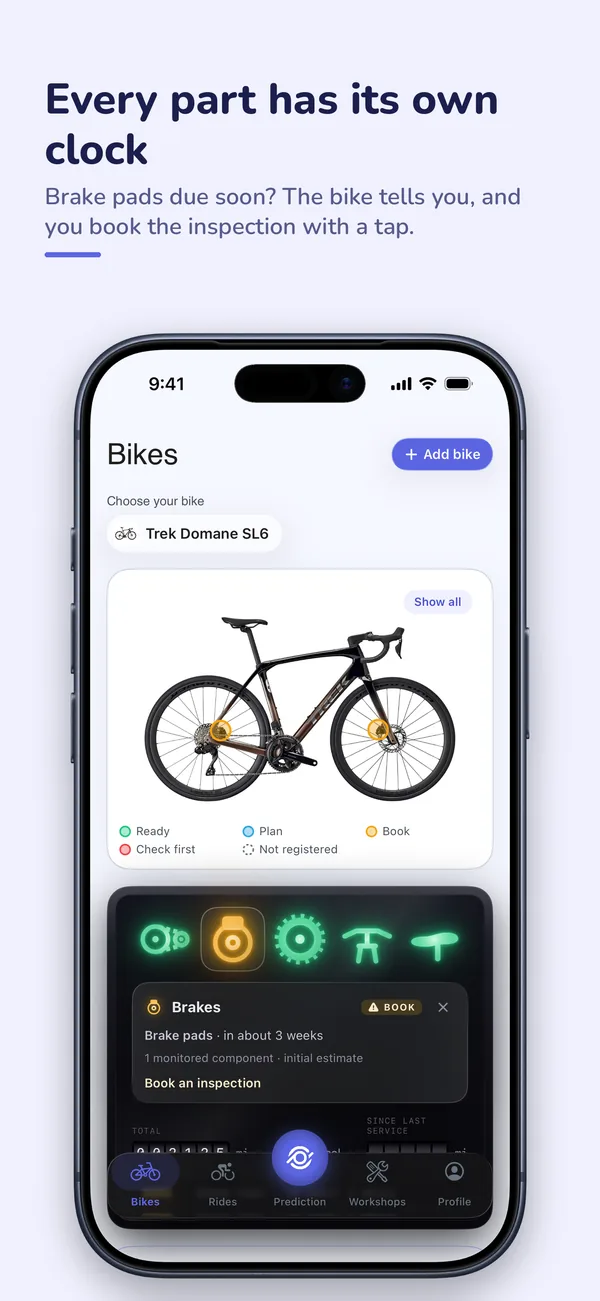
  • A lamp's card: brake pads due in about three weeks, with the button to book an inspection.
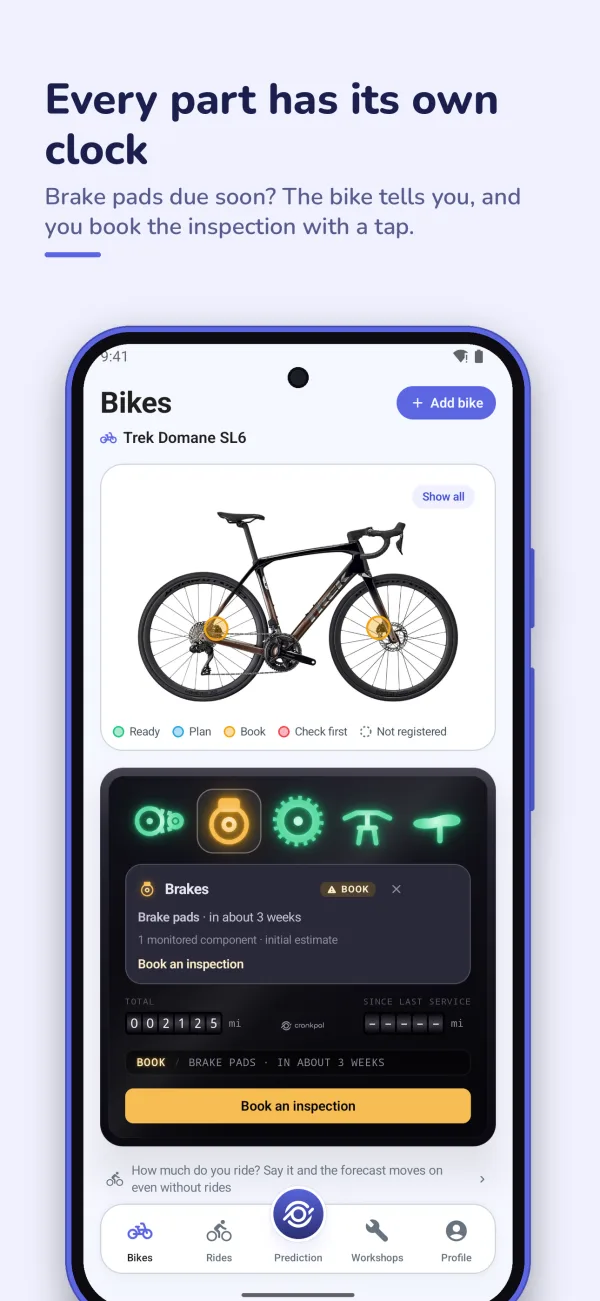
  • A lamp card on Android: brake pads due in about three weeks, with the button to book a check-up.
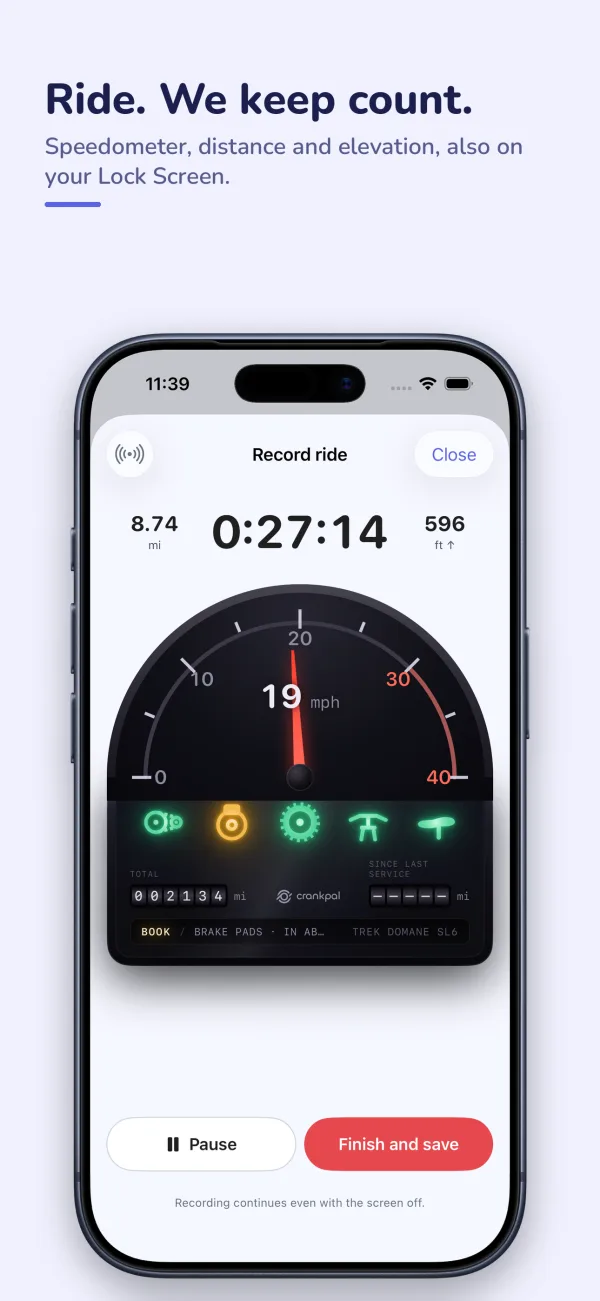
  • Recording a ride: analogue speedometer, time, distance and elevation.
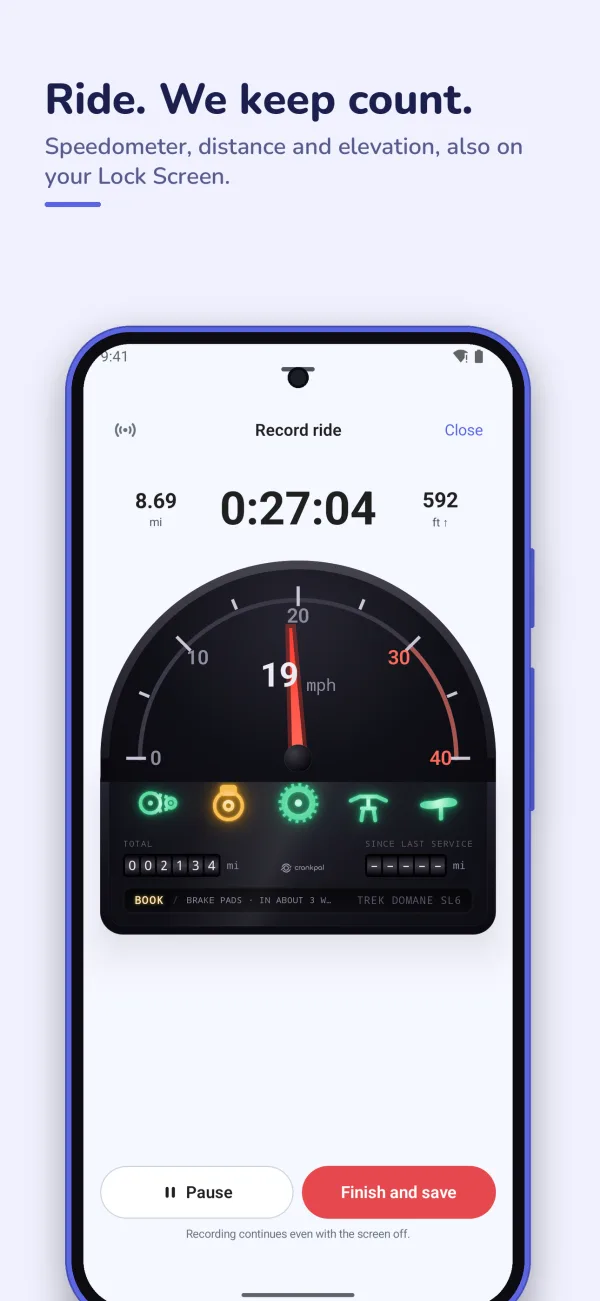
  • Recording a ride on Android: analogue speedometer, time, distance and elevation.
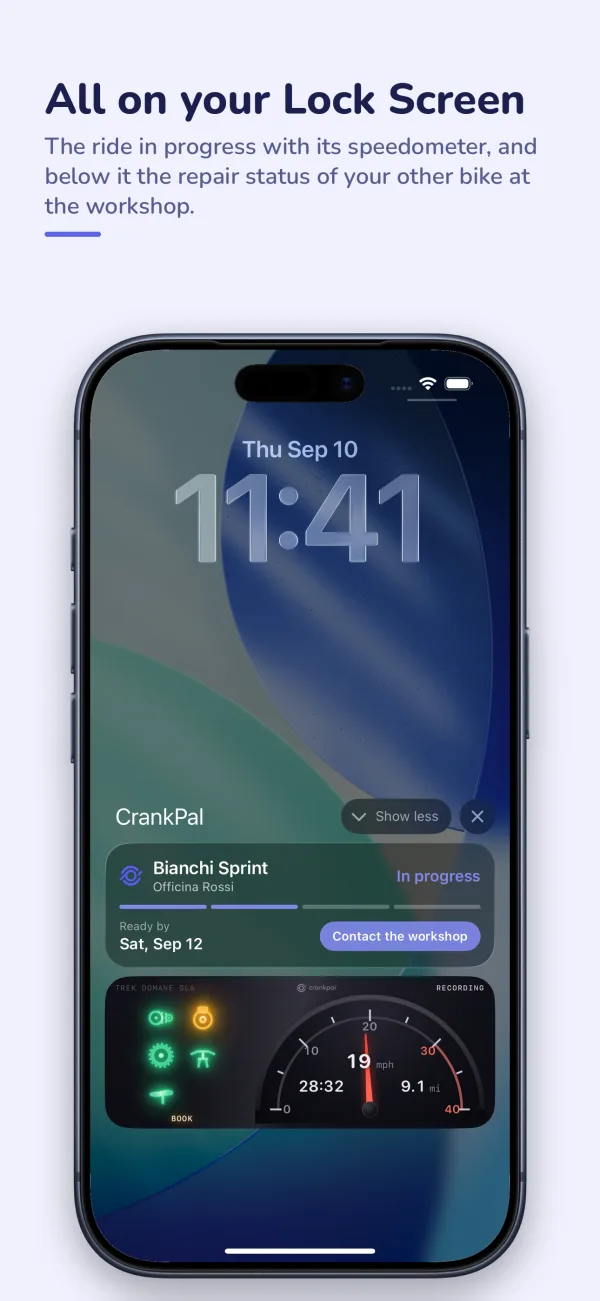
  • An iPhone Lock Screen with the ride in progress and the repair status of a bike at the workshop.
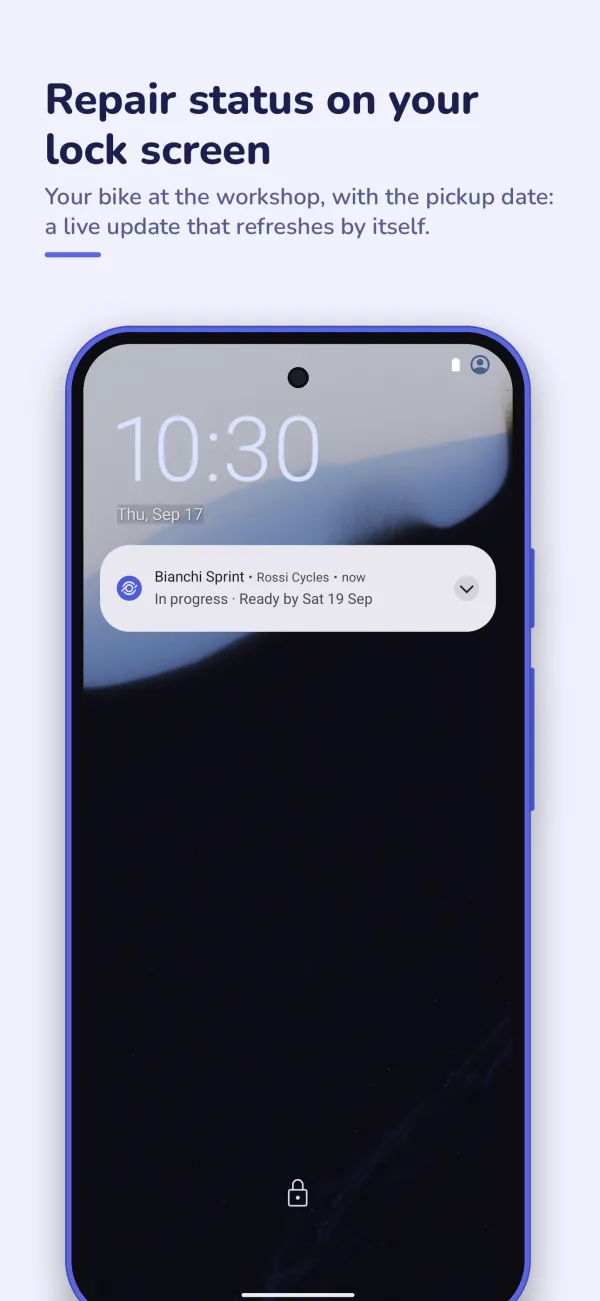
  • An Android lock screen with the live update of a bike at the workshop: in progress, ready by Saturday.
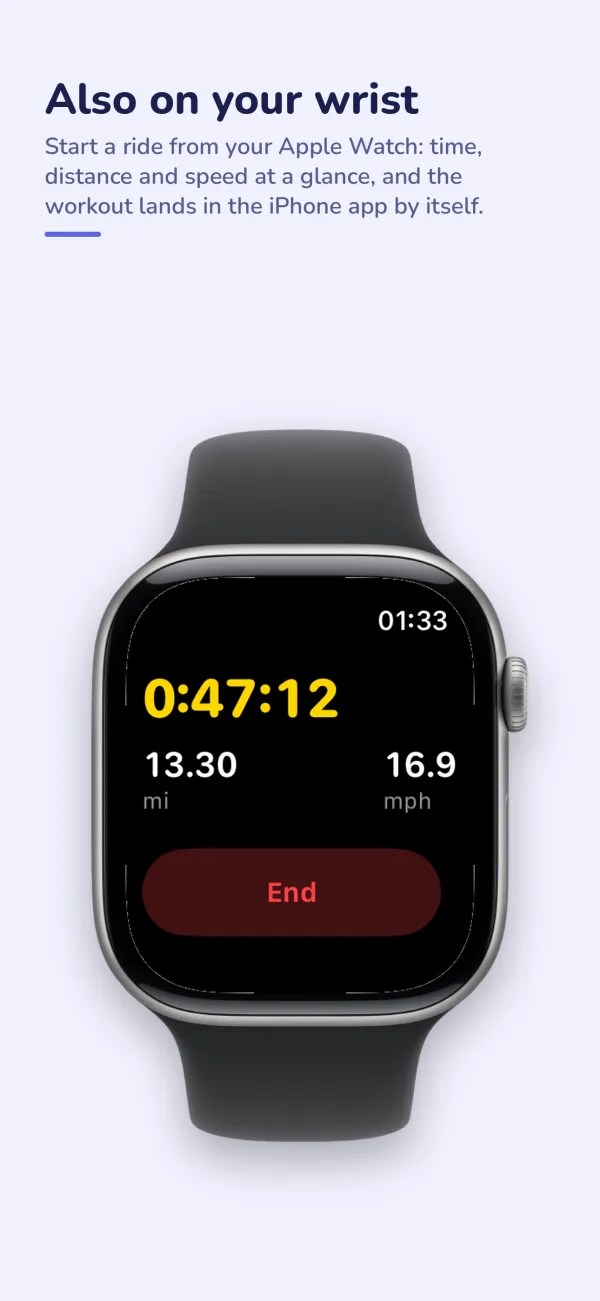
  • The app on Apple Watch during a ride: time, distance and speed.
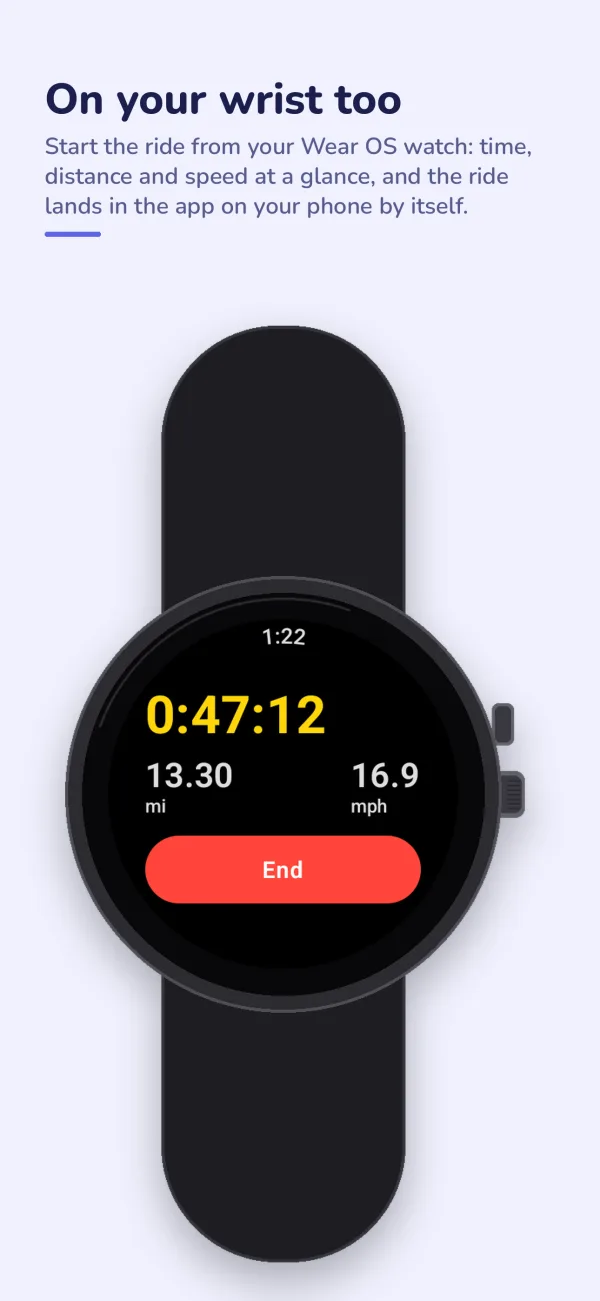
  • The app on a Wear OS watch during a ride: time, distance and speed.
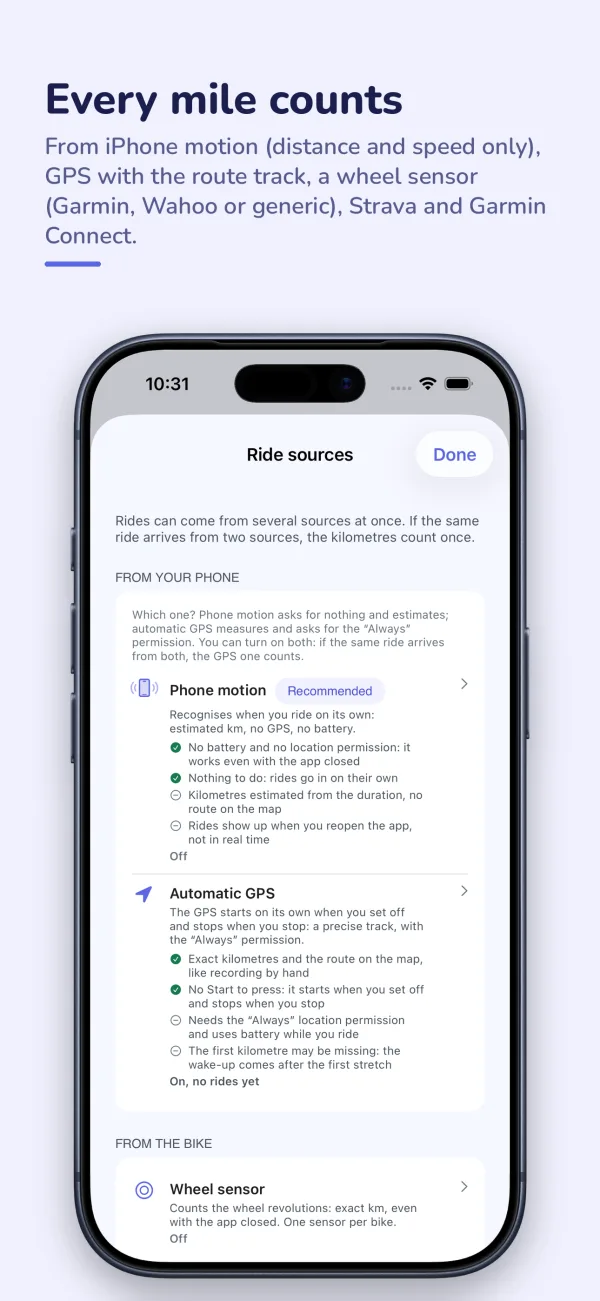
  • The ride sources: phone motion, automatic GPS, wheel sensor, Strava and Garmin Connect.
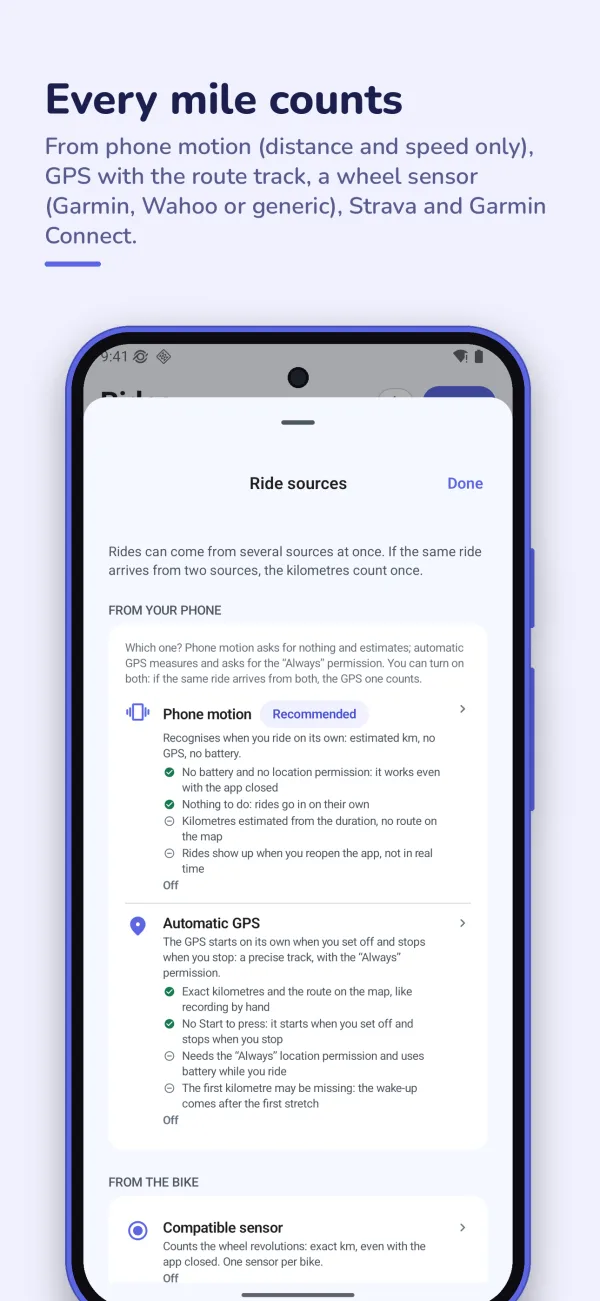
  • The ride sources on Android: phone motion, automatic GPS, wheel sensor, Strava and Garmin Connect.
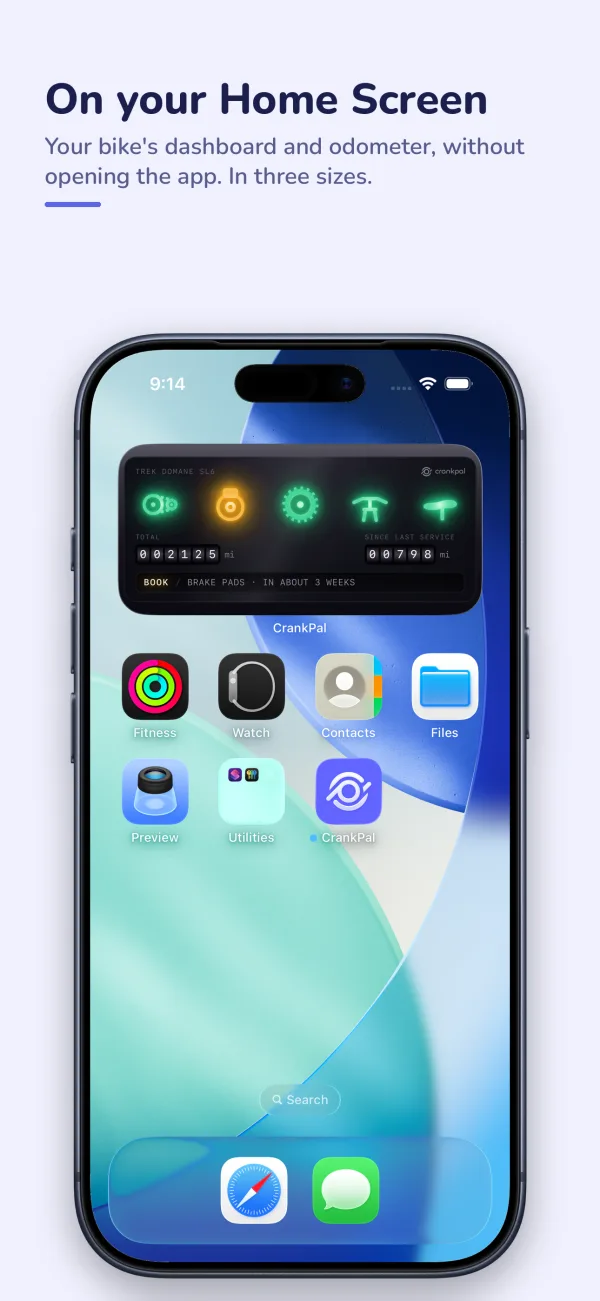
  • The CrankPal widget on the iPhone Home Screen, with the bike's lamps and the odometer.
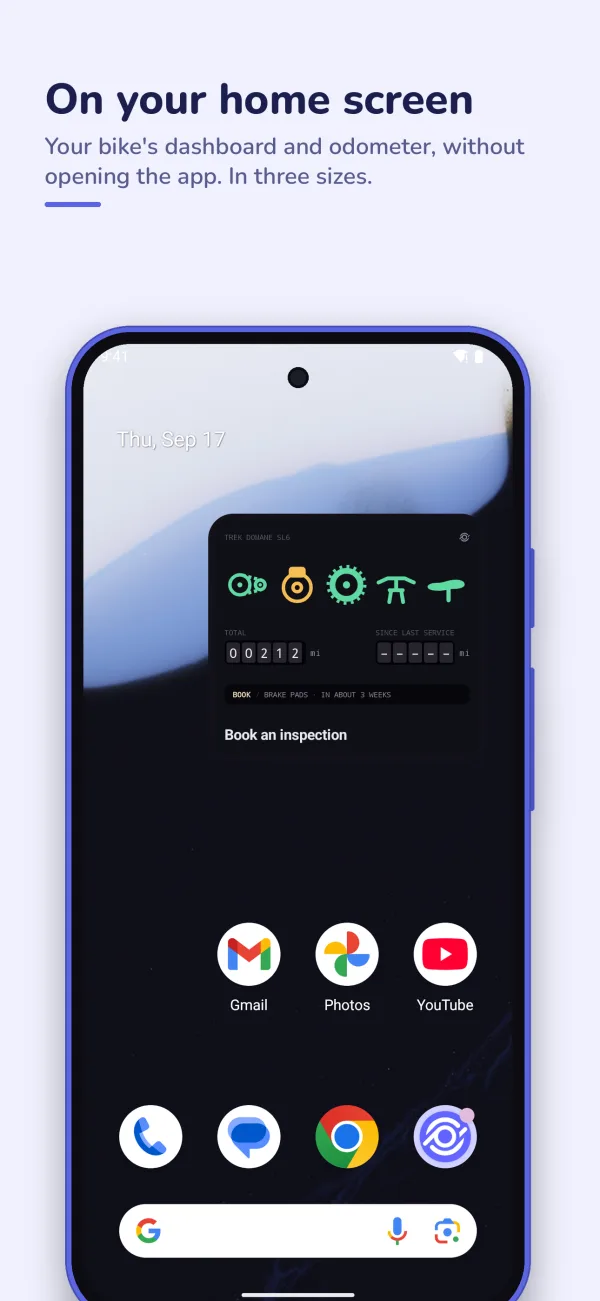
  • The CrankPal widget on an Android home screen, with the bike's lamps and the odometer.
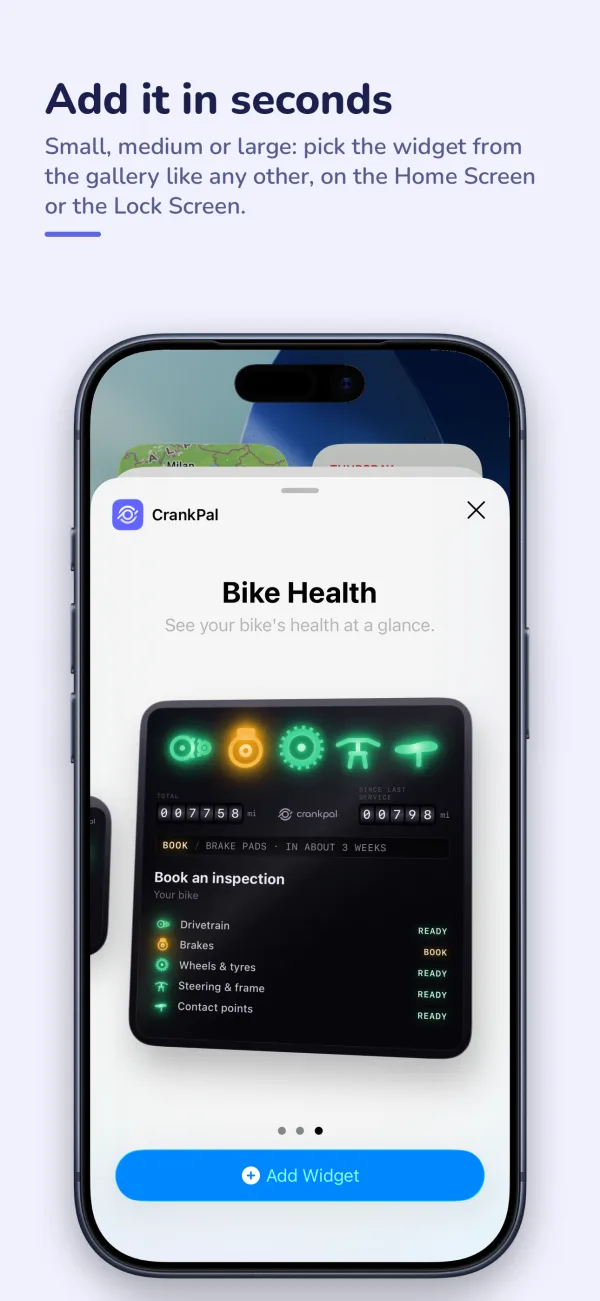
  • The iOS widget gallery with the CrankPal widget.
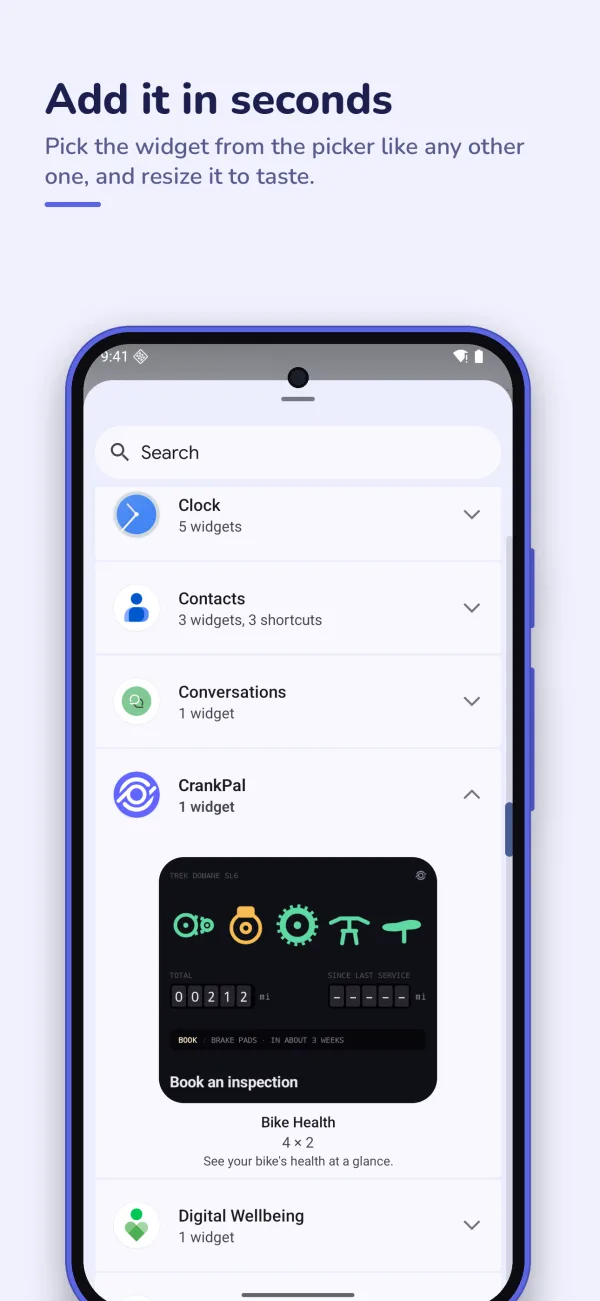
  • The Android widget picker with the CrankPal widget.
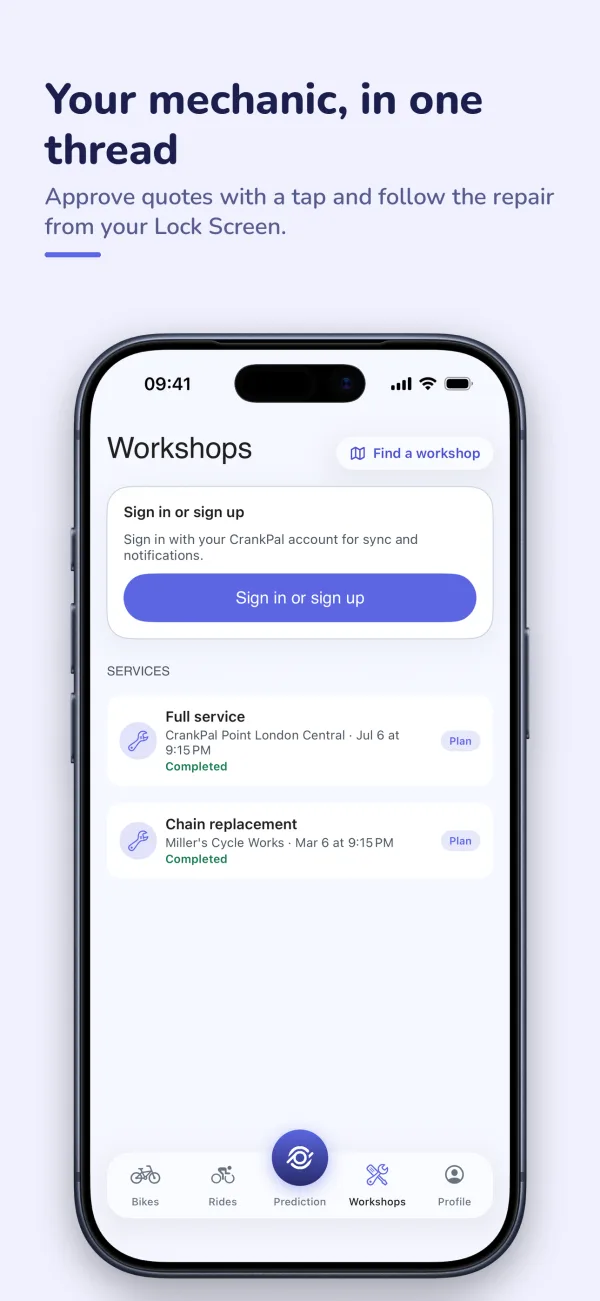
  • The Workshops section of the app: past jobs and quotes to approve.
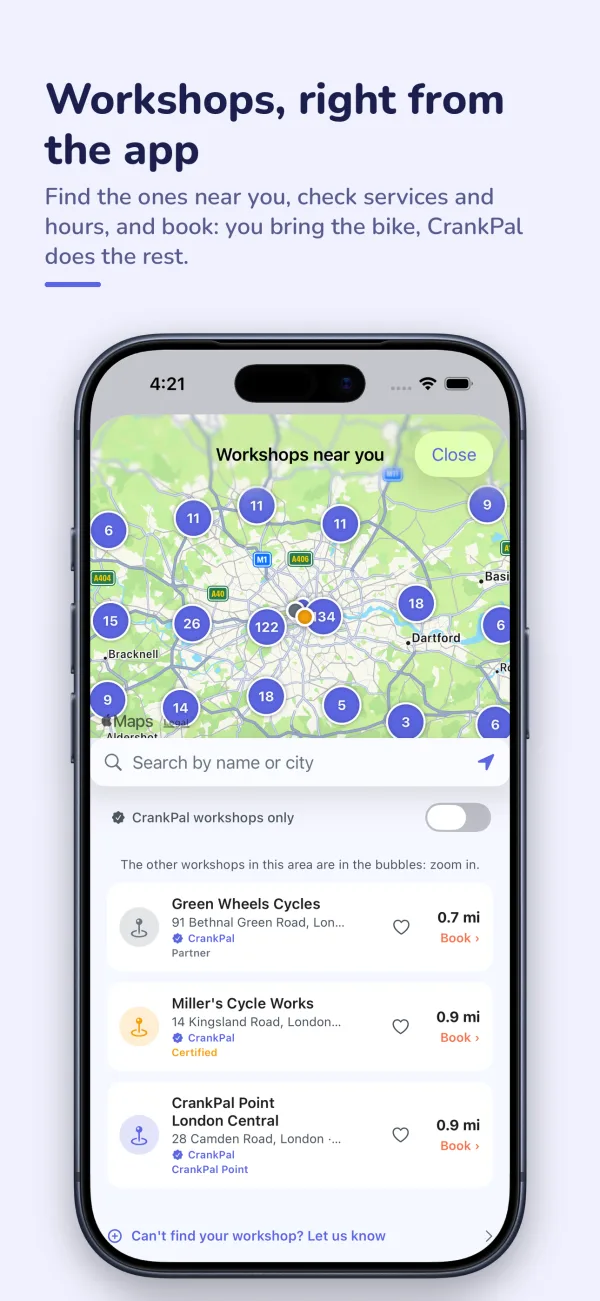
  • The map of nearby workshops, with services, distance and booking.