
Try CrankPal before it lands in the stores
The app is on its way to the App Store and Google Play. The beta is how you get it first, and how you tell us what is off while we finish it.
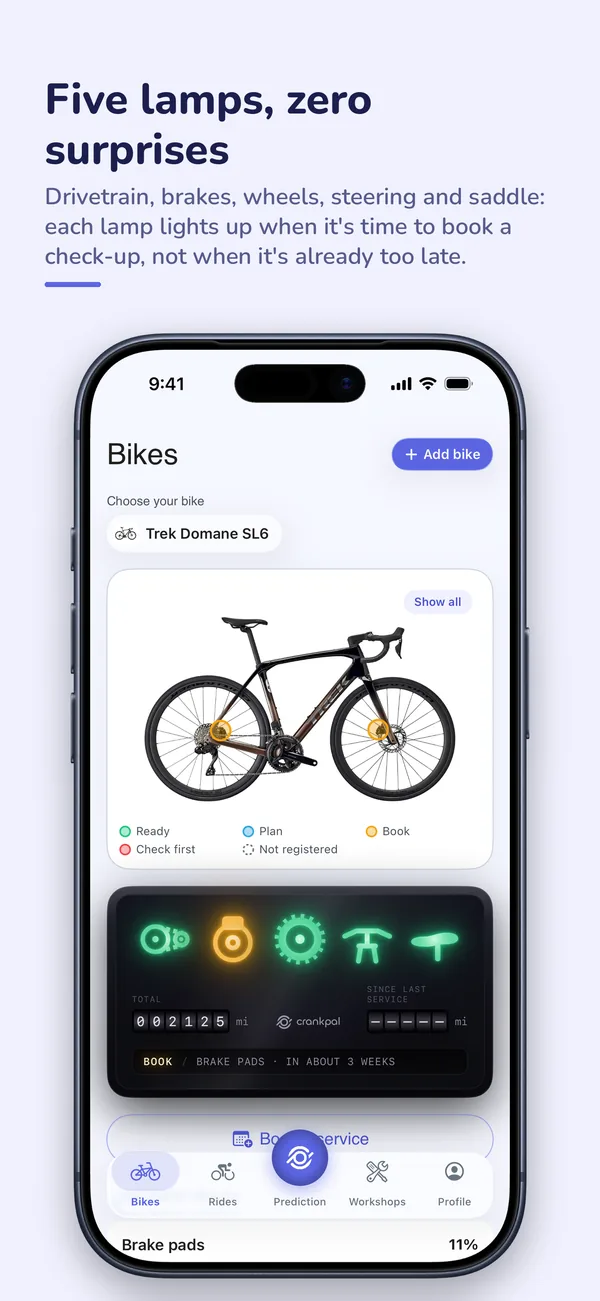
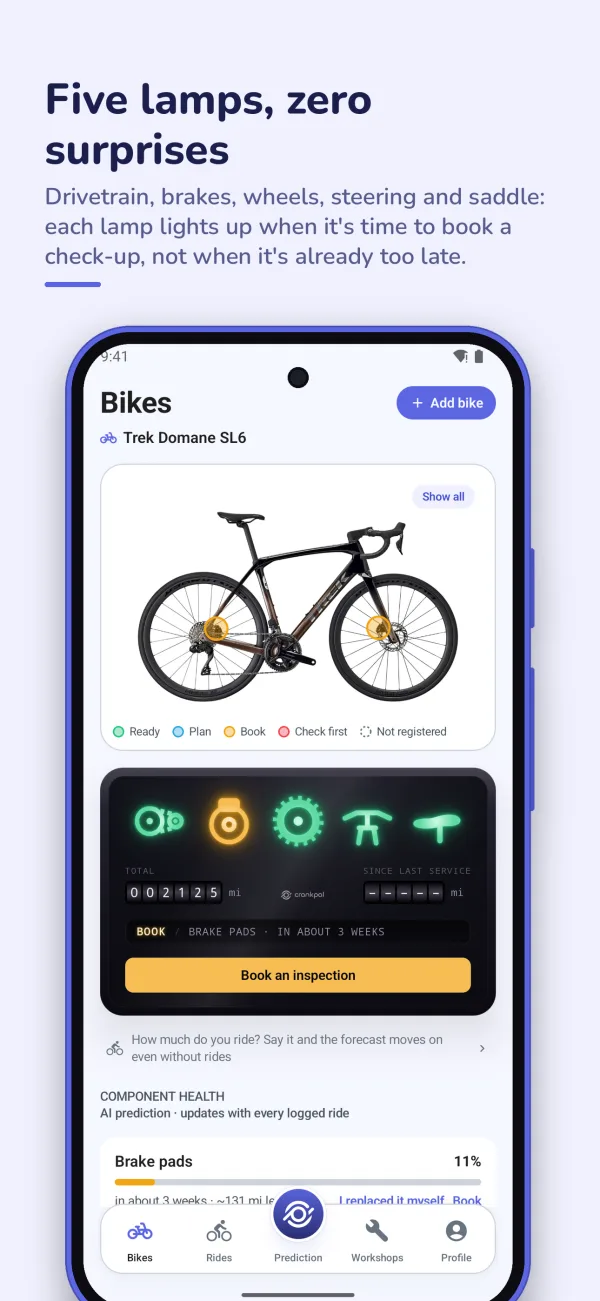
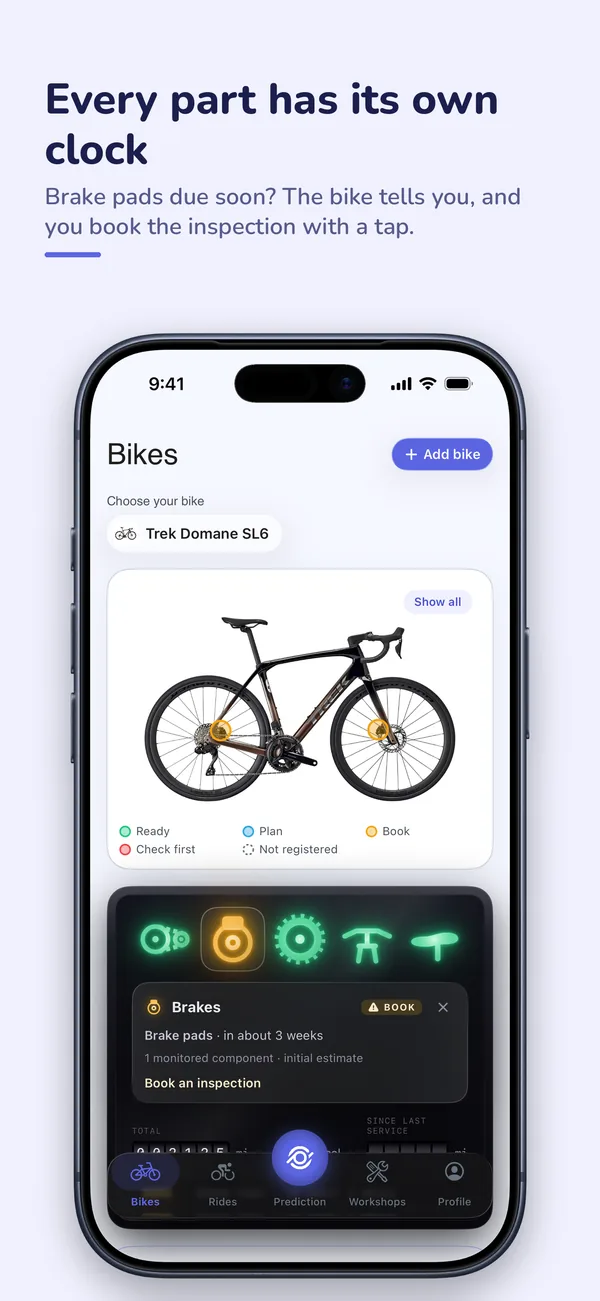
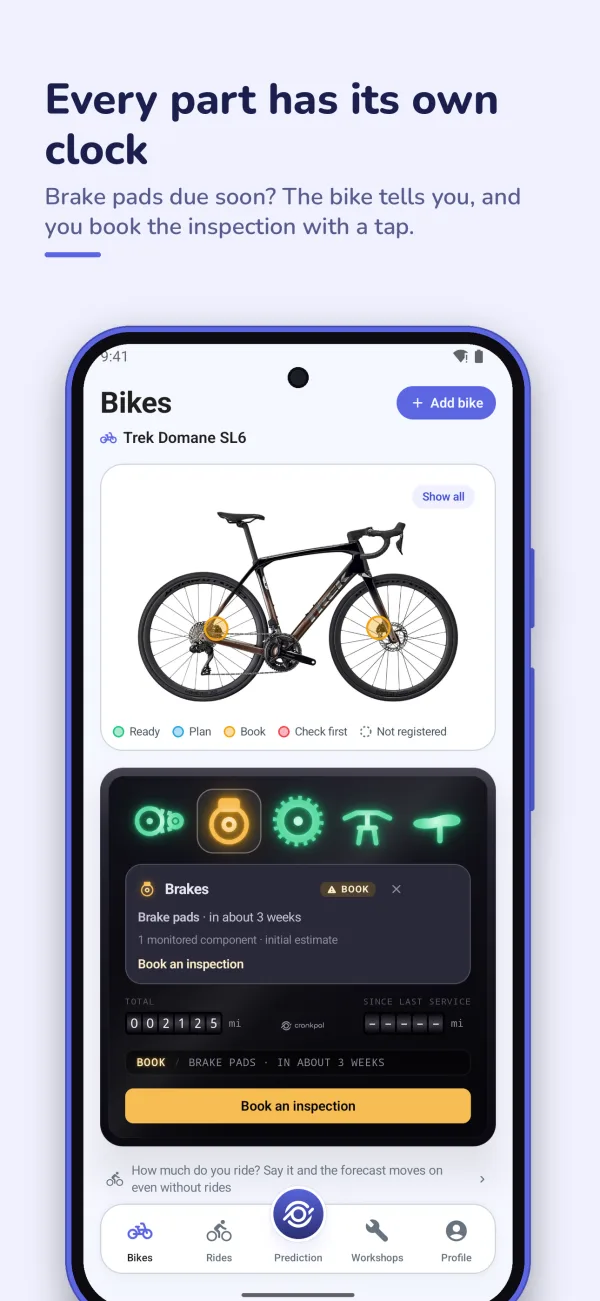
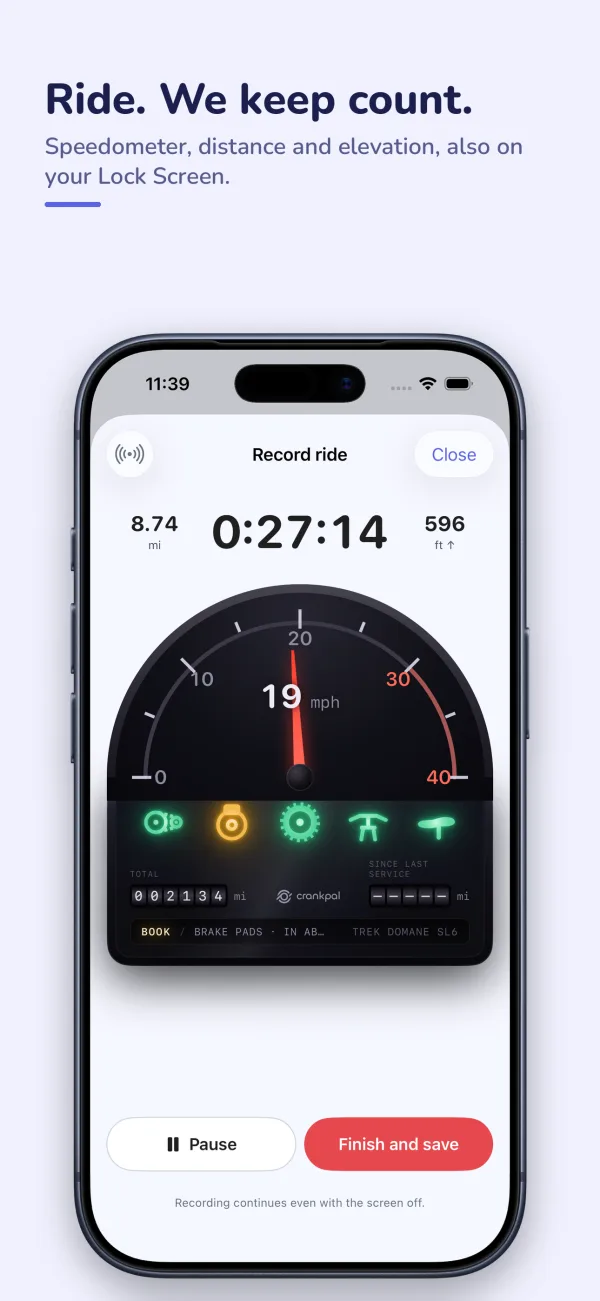
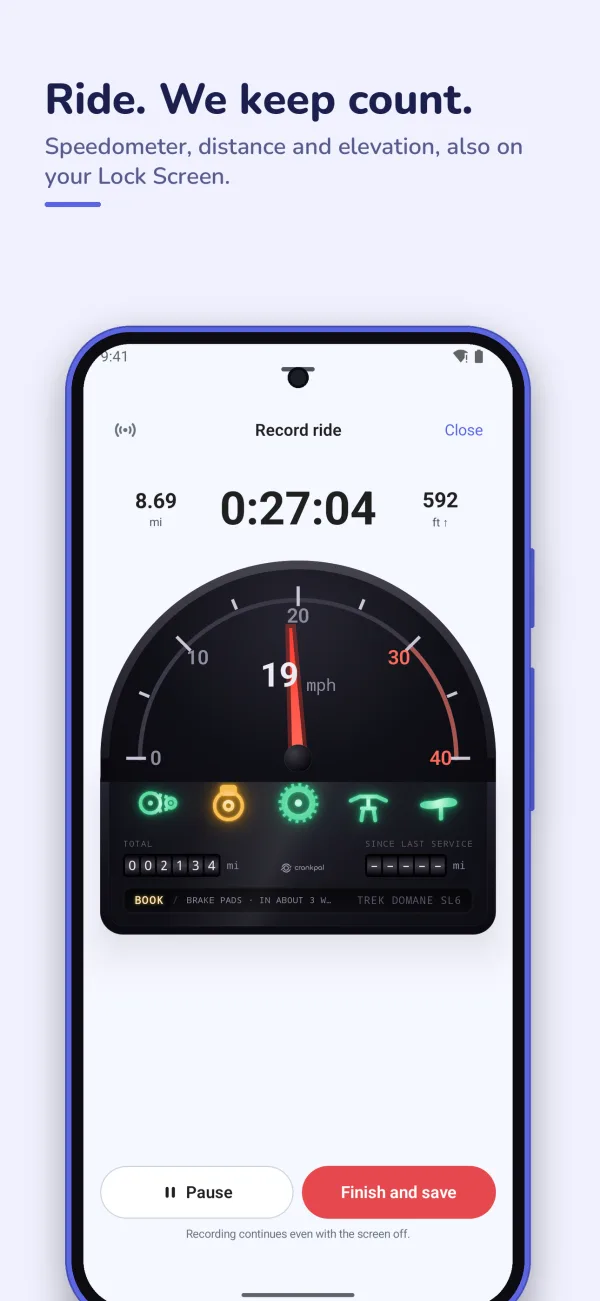
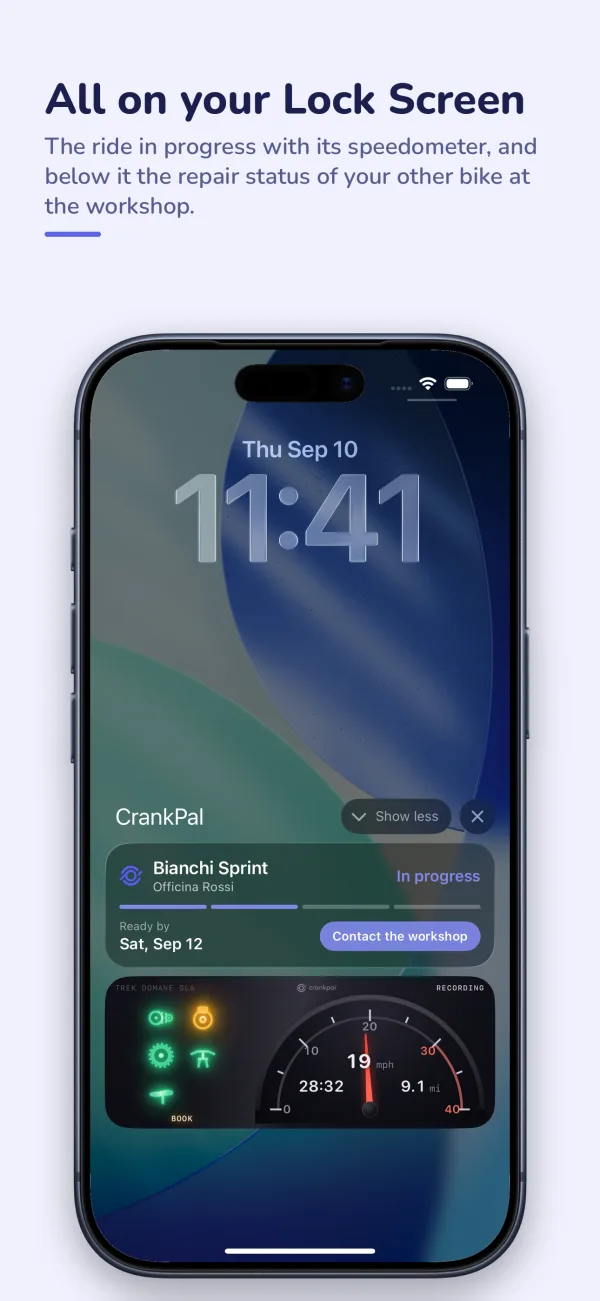
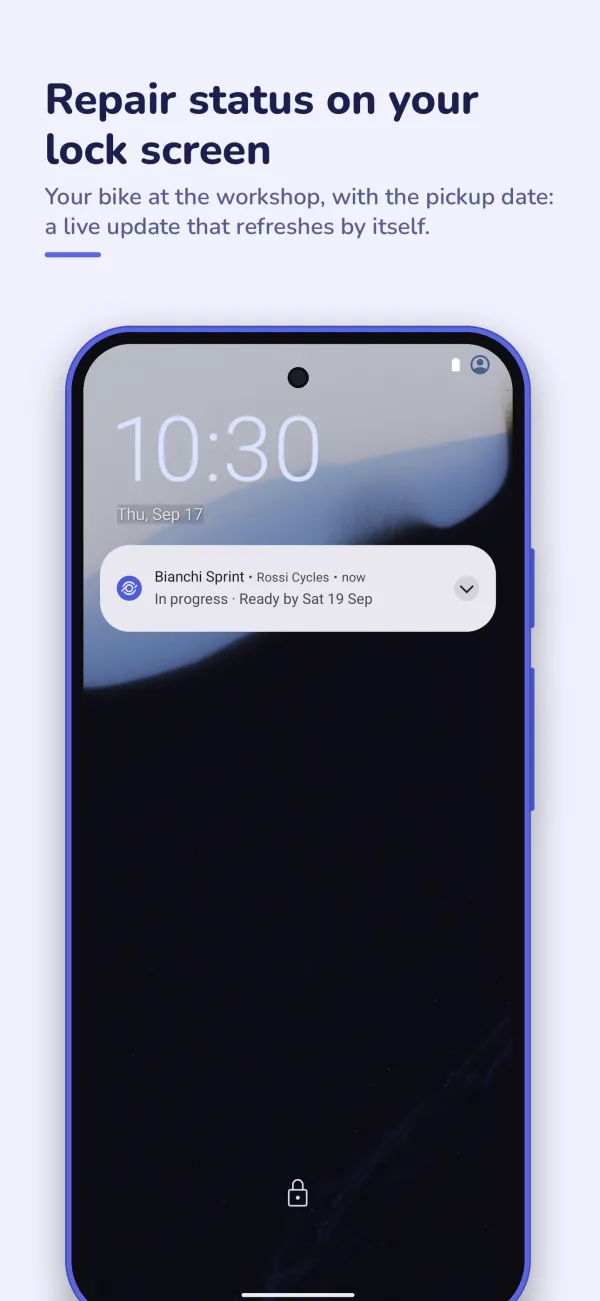
invited you to try CrankPal early. Your seat is reserved: enter your email below.
Get your invitation to the iPhone beta
Enter the email of your Apple Account: Apple sends you the invitation, and it opens in TestFlight, its app for pre-release versions.
Get your invitation to the Android beta
Enter the email of your Google account: Google sends you the invitation through Firebase App Distribution, its service for pre-release versions.
The instant invites are gone
The first hundred beta seats have been taken. Join the waitlist: we will write to you as soon as it reopens.
The beta isn't open yet
We're still getting it ready. Leave us your email: we'll write as soon as you can get in.
100instant invites left

Three steps and you're in
- Install TestFlight It's the free app Apple uses to hand out pre-release versions. Get it from the App Store like any other app.
- Ask for the invitation Enter the email of your Apple Account above. Apple sends you an email: open it on your iPhone and tap “View in TestFlight” to install CrankPal.
- Get the updates A new build lands every week, and from TestFlight you can tell us what's off, with a screenshot.
- Ask for the invitation Enter the email of your Google account above. You get an email from Firebase App Distribution, Google's service for pre-release versions.
- Accept on your phone Open the email on your Android phone, tap “Get started” and sign in with the same Google account.
- Install CrankPal From the invitation page you download the app and install it. If something is off, tell us: every report reaches the team.